

If you’re using WhatsApp to communicate with customers or generate leads, you’ve likely struggled to organize contacts — especially unsaved numbers. WhatsApp doesn’t make it easy to export those contacts, and tools that rely on browser extensions or mobile apps often fall short.
That’s why I started using Numbo, a simple web-based tool that lets you extract WhatsApp contacts from screenshots — no need to open WhatsApp Web or install anything.
In this post, I’ll show you how to go from WhatsApp screenshot to Google Sheet in just a few clicks.
Why You Might Want to Export WhatsApp Contacts
When you’re getting leads or inquiries on WhatsApp, especially from unknown numbers, keeping them organized is essential. Whether you’re in marketing, sales, or customer support, it helps to:
- Track new leads
- Follow up easily
- Tag and categorize contacts
- Avoid losing potential clients
And the best way to manage all of this? Export your WhatsApp contacts into Google Sheets.
Why We Don’t Recommend Extensions or Mobile Apps
Before Numbo, I tried:
- Browser extensions that slowed my system and crashed WhatsApp Web
- Mobile apps that asked for access to my entire contact list
- Manual copying of names and numbers — a painful and time-consuming task
Most of these solutions either risk your privacy or are just inconvenient, especially when your leads are coming in fast.
Step-by-Step:
Step 1: Take Screenshots
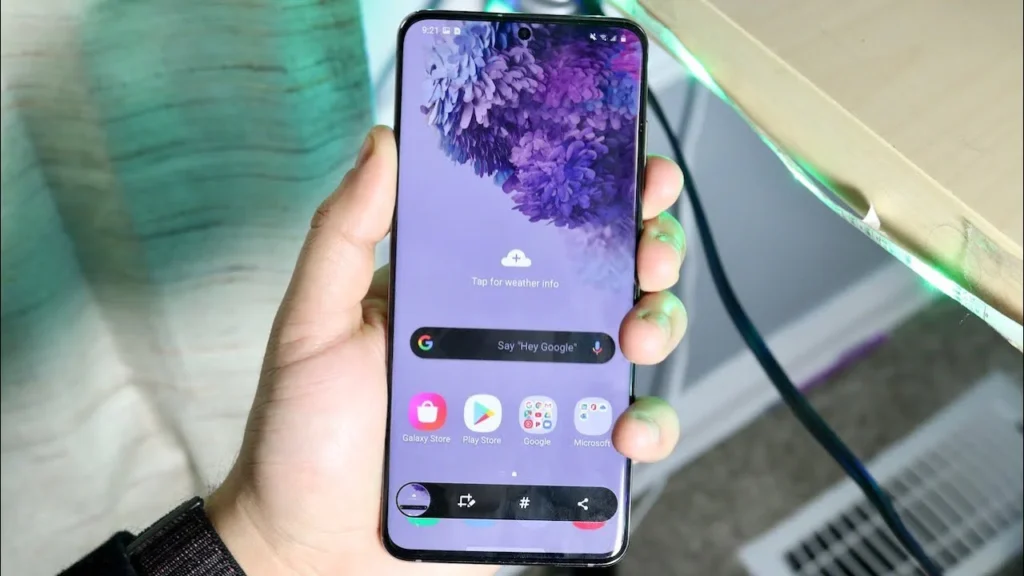
Open your WhatsApp chats (on phone or desktop) and take screenshots of the conversations with unknown numbers.
Step 2: Visit numbo.cc
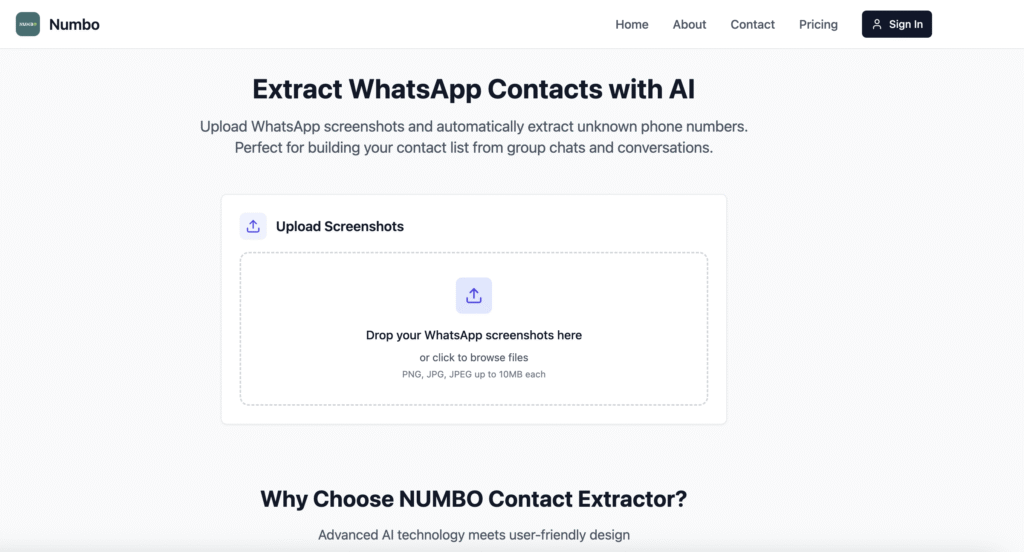
Open the Numbo website — no installation required.
Step 3: Upload Screenshots
Upload the screenshots directly into the tool.
Step 4: Extract and Edit
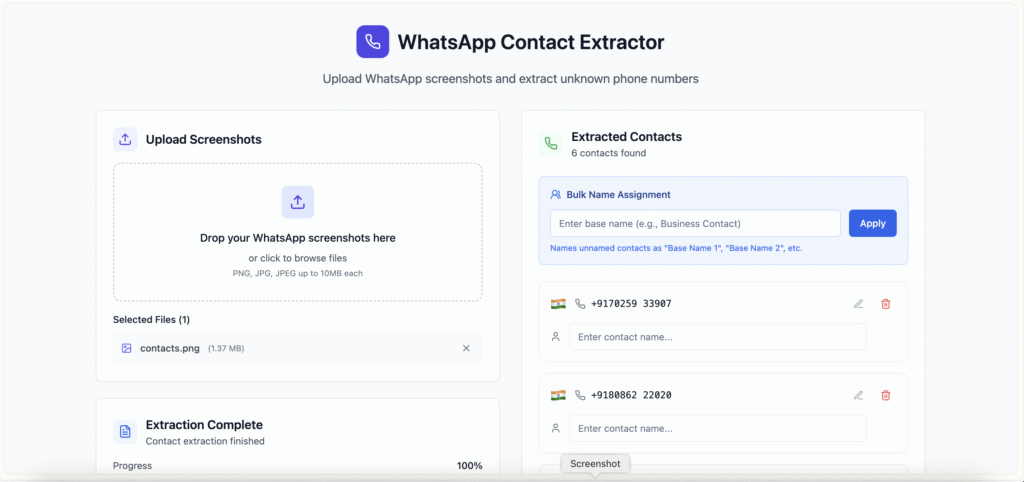
Numbo automatically scans the images, extracts phone numbers, and lets you add names, tags, and labels.
Step 5: Export to Google Sheets
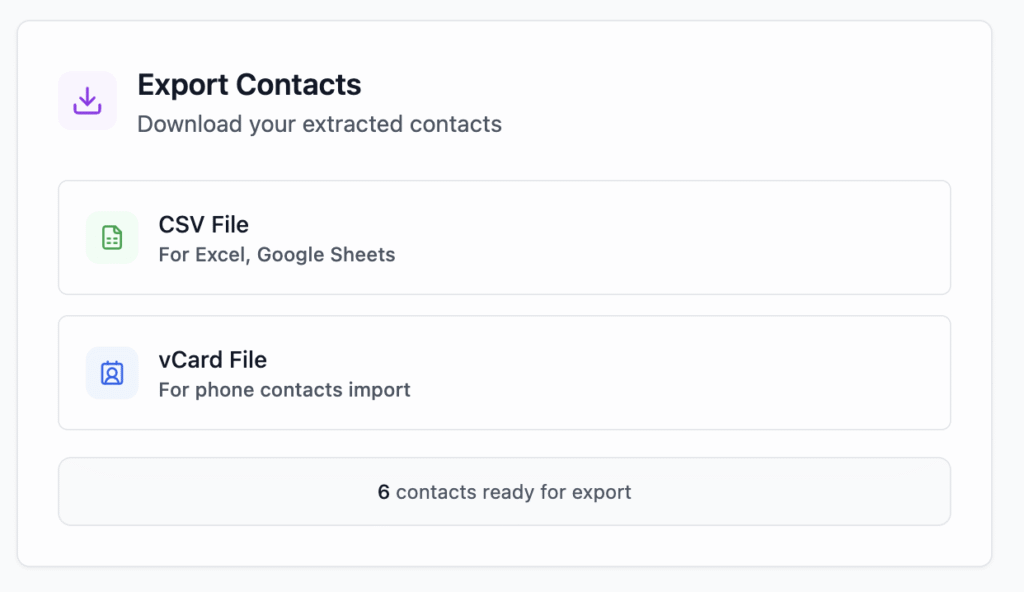
Once done, just hit “Export” and you’ll get a CSV file or Google Sheets link with all the contact data — neatly organized.
Final Thoughts
Managing leads from WhatsApp shouldn’t feel like a manual mess. Whether you’re getting messages from Facebook Ads, website widgets, or referrals — Numbo makes saving and exporting contacts simple.
So if you’re looking to turn WhatsApp chats into a structured lead list, all you need is a screenshot.
👉 Try Numbo — Extract contacts from WhatsApp screenshots, add details, and export to Google Sheets in seconds.
Leave a Reply